Moving Line Segments
To change the shape of a line:
1. Place your cursor on a joint.
It changes shape.
2. Click the handle.
3. Hold down the mouse button and move the handle towards the desired position.
4. Let off your click.
Moving Lines
To move a line:
1. Select the line.
2. Click the line (taking care not to click a handle).
3. Hold down the mouse button and move the line towards the desired position.
 If you perform the above steps by selecting a handle, you will change the shape of the line and not its position.
Connecting a Line to an Element
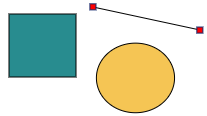
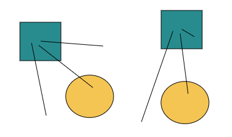
You can connect the end of a line to an element, so that if the element moves, the line moves with it.
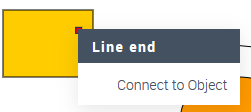
To attach a line to an element:
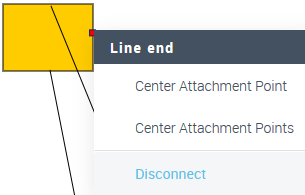
To disconnect a line from an element: