Adding an Hopex diagram in a Confluence page
To add an Hopex diagram in a Confluence page:
1. In a Confluence page, click "+" button and search for "Hopex for Confluence" macro.
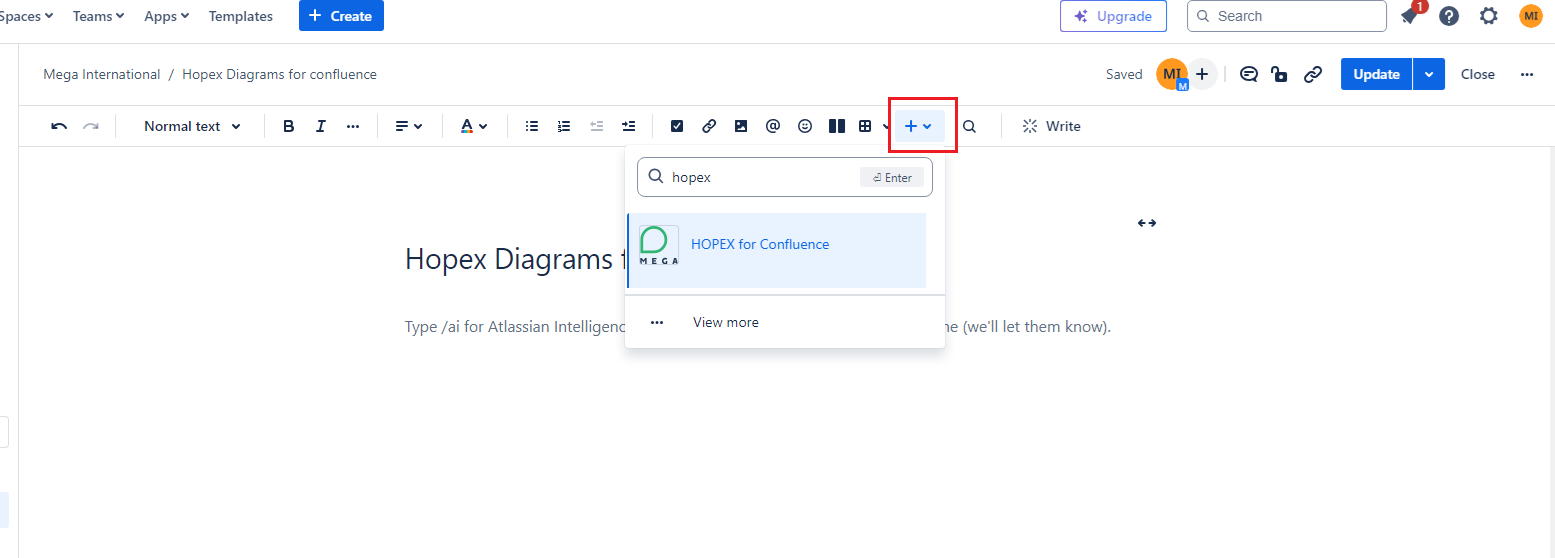
2. Select "Hopex for Confluence".
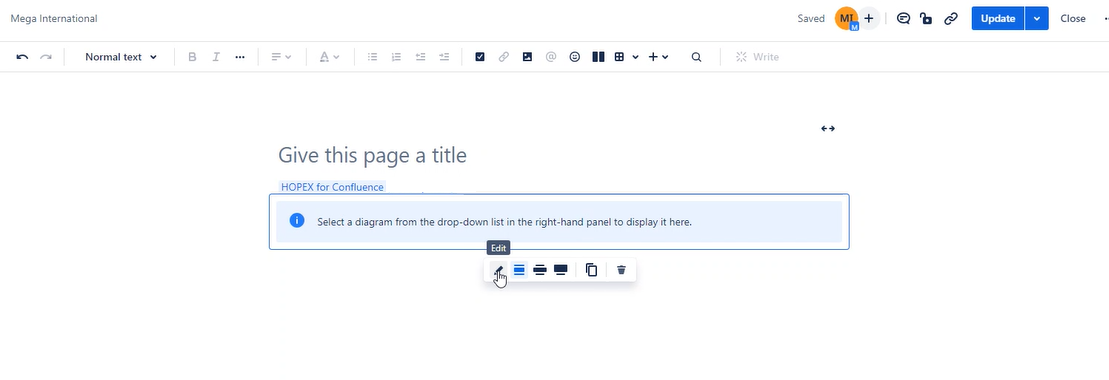
3. From the new page, click the Edit button.
A list of Hopex diagrams is proposed.
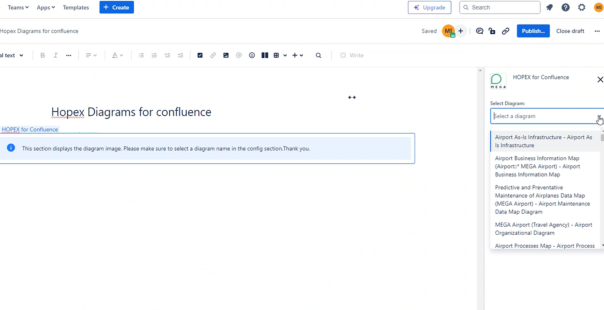
4. Select the diagram that interests you.
The diagram is added to the page.
 To add another diagram, repeat to step 1.
5. Save the page.