Sending a Process for approval
To send a process design for approval:
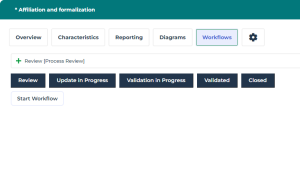
1. Open the Workflows property page of the process.
 You can display (or hide) tabs using the
  button.
 2. Click Start Workflow.
3. Complete the updates of your choice.
4. Click Mark Stage as Complete.
The process is sent for approval to the Process Owner - and the Process Contributor(s) if applicable - via an email notification.
 Once the validation request is sent, the process is locked: its related diagram, description and owned objects are not editable. To edit the Process, you need to put it back to the "Update in Progress" state.