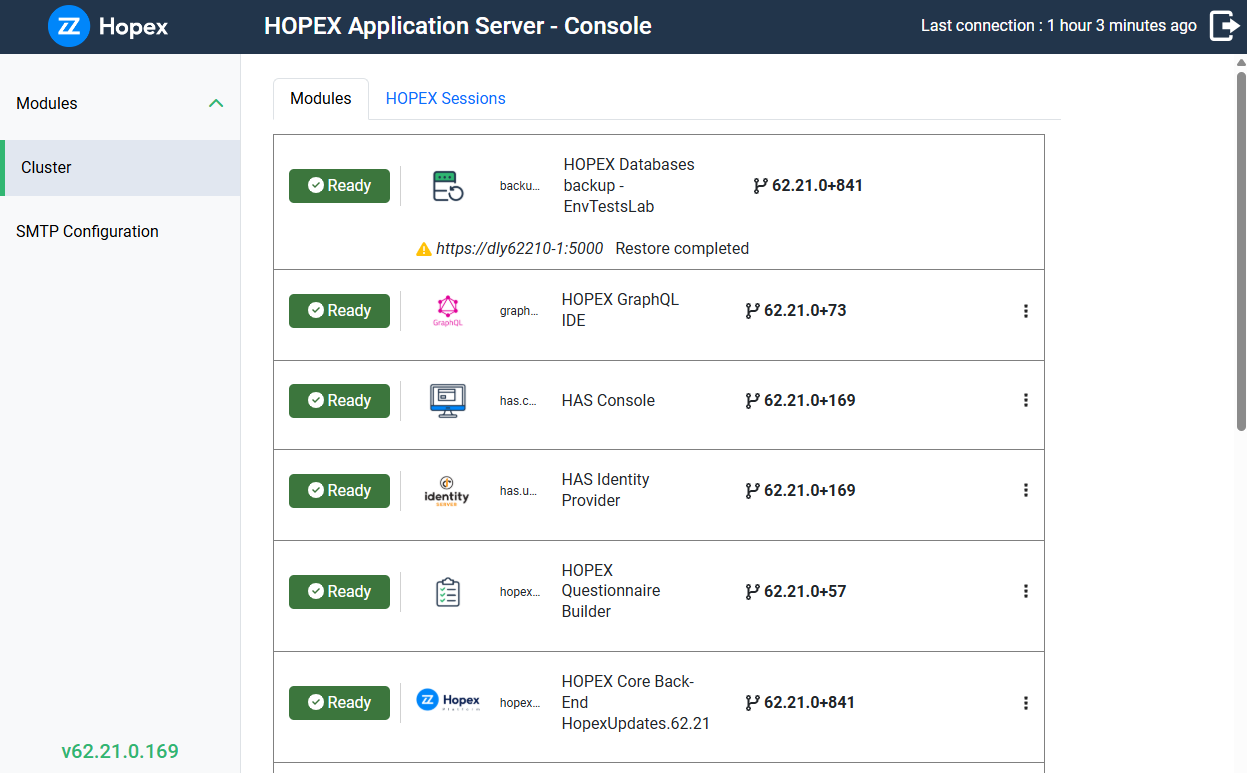
Accessing the HAS Console (SaaS)
To access the HAS console in a SaaS environment, you must be assigned a Delegated Administrator role.
 The initial Delegated Administrator is assigned by Bizzdesign Cloud Services team.
Prerequisite: you are assigned a Delegated Administrator role.
To access the Hopex Application Server (HAS) console (SaaS):
1. Navigate to your instance portal.
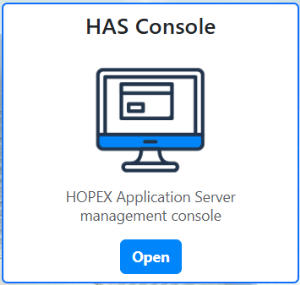
2. Hover over the HAS Console tile and click Open.
3. Log in using your credentials:
• Enter your Login and Password.
• If Single Sign-On (SSO) is enabled, click Single Sign-On instead.
4. Click Sign in.
The HAS console opens and displays the Cluster menu.