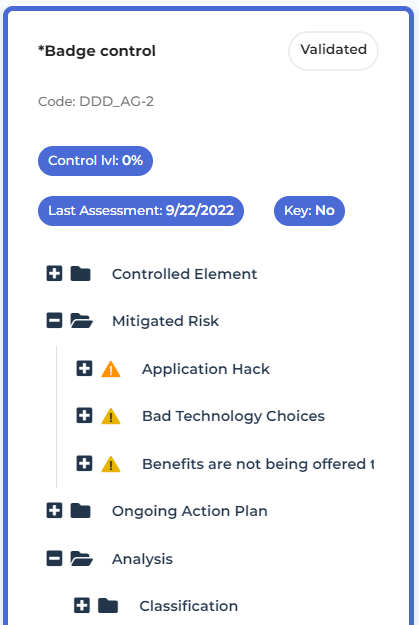
Browsing a Control Environment
To browse the objects of the control environment:
1. See Accessing Controls.
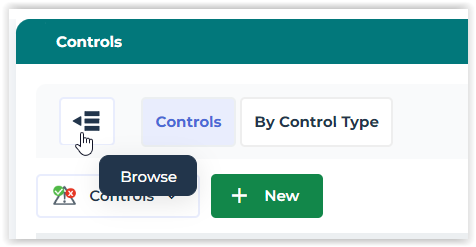
2. In the list of controls, click Browse.
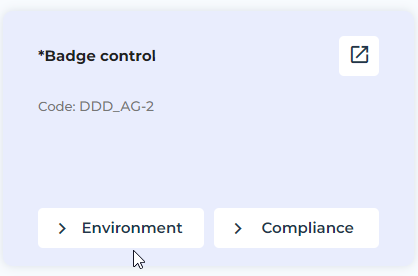
A card is available for each control.
3. Hover the mouse over a card and click Environment.
The objects of the control environment are displayed in trees. They form the control extended scope.
• Objects of the environment
• Objects of the compliance environment / regarding regulation enforcement.