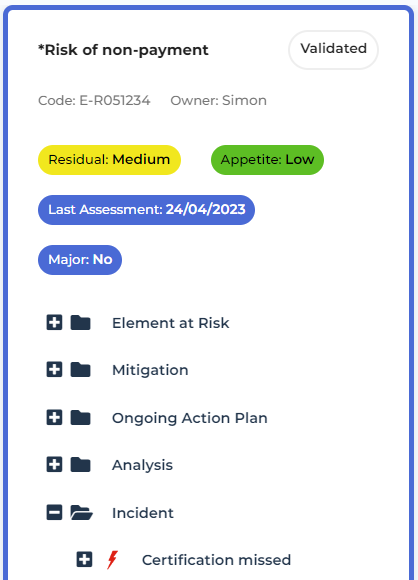
Browsing a Risk Environment
To browse the objects of the risk environment:
1. See Listing Risks.
2. In the list of risks, click Browse.
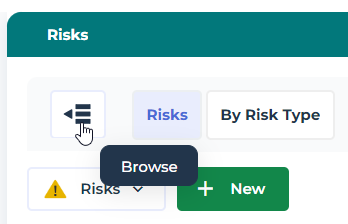
Cards are available for each risk.
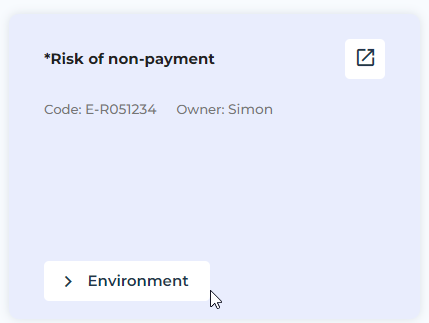
3. Hover the mouse over a card and click Environment.
The objects of the risk environment are displayed in trees. They form the risk extended scope.
• Elements at Risk (for example: process)
• Mitigation elements (controls)
• Ongoing action plans